Everything you'd want to know before buying.
Do I need to know Hebrew or Greek to use DeepWord?
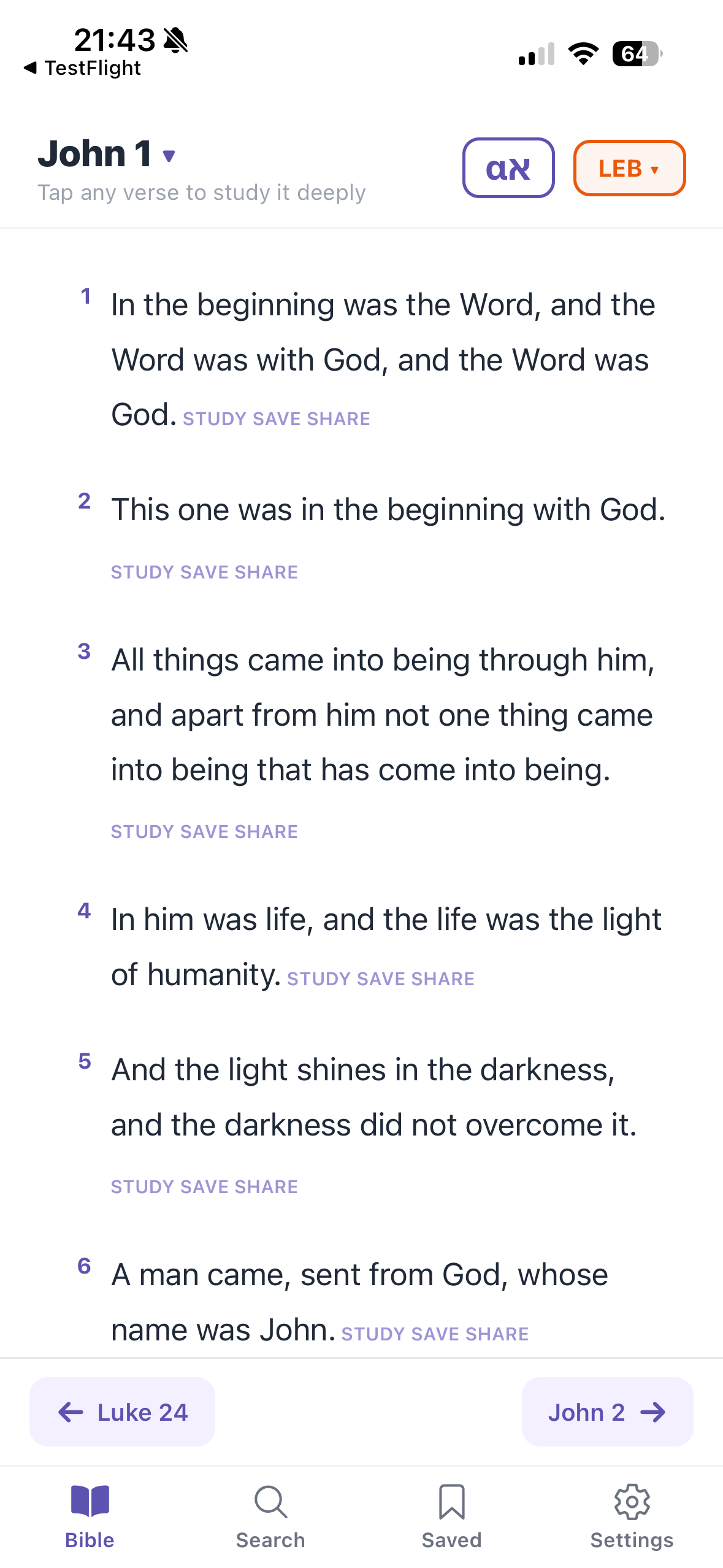
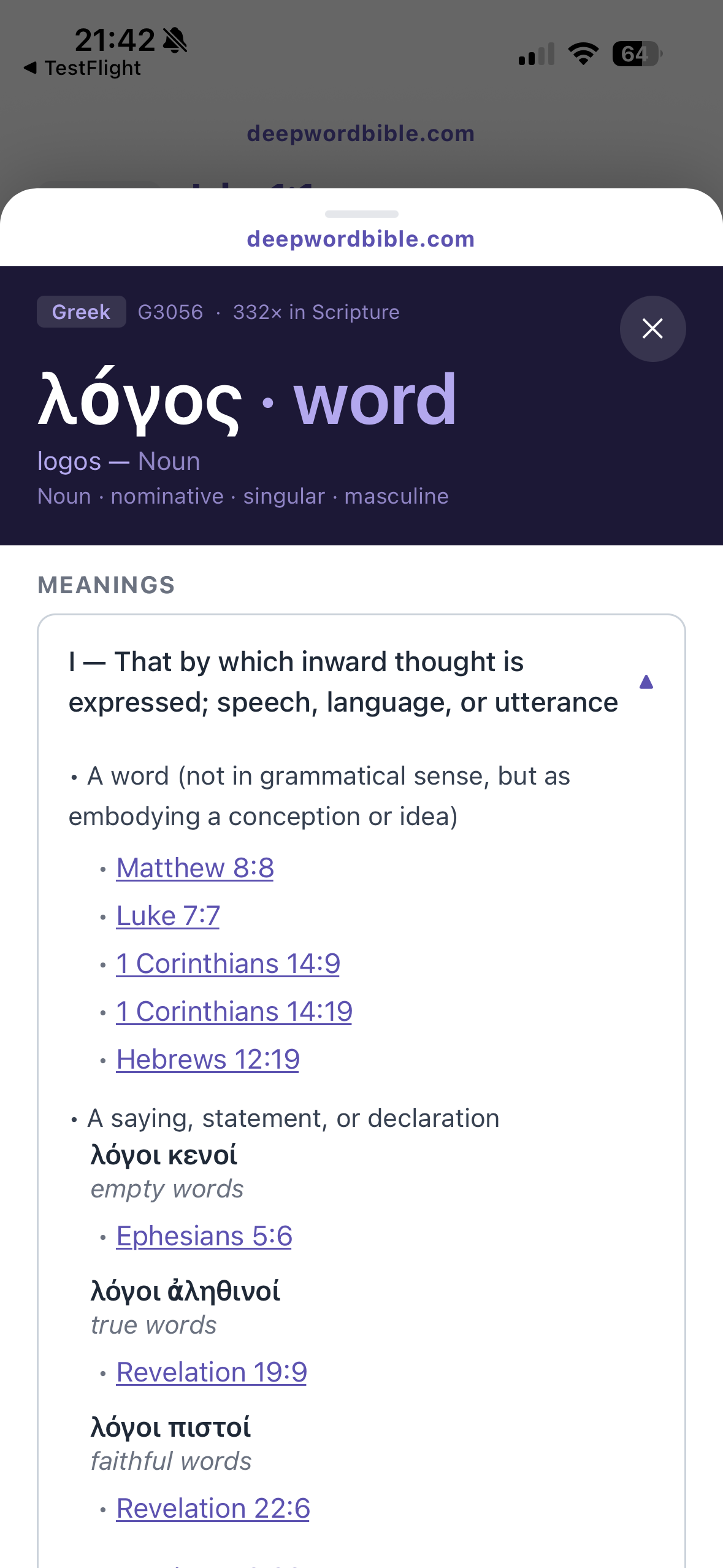
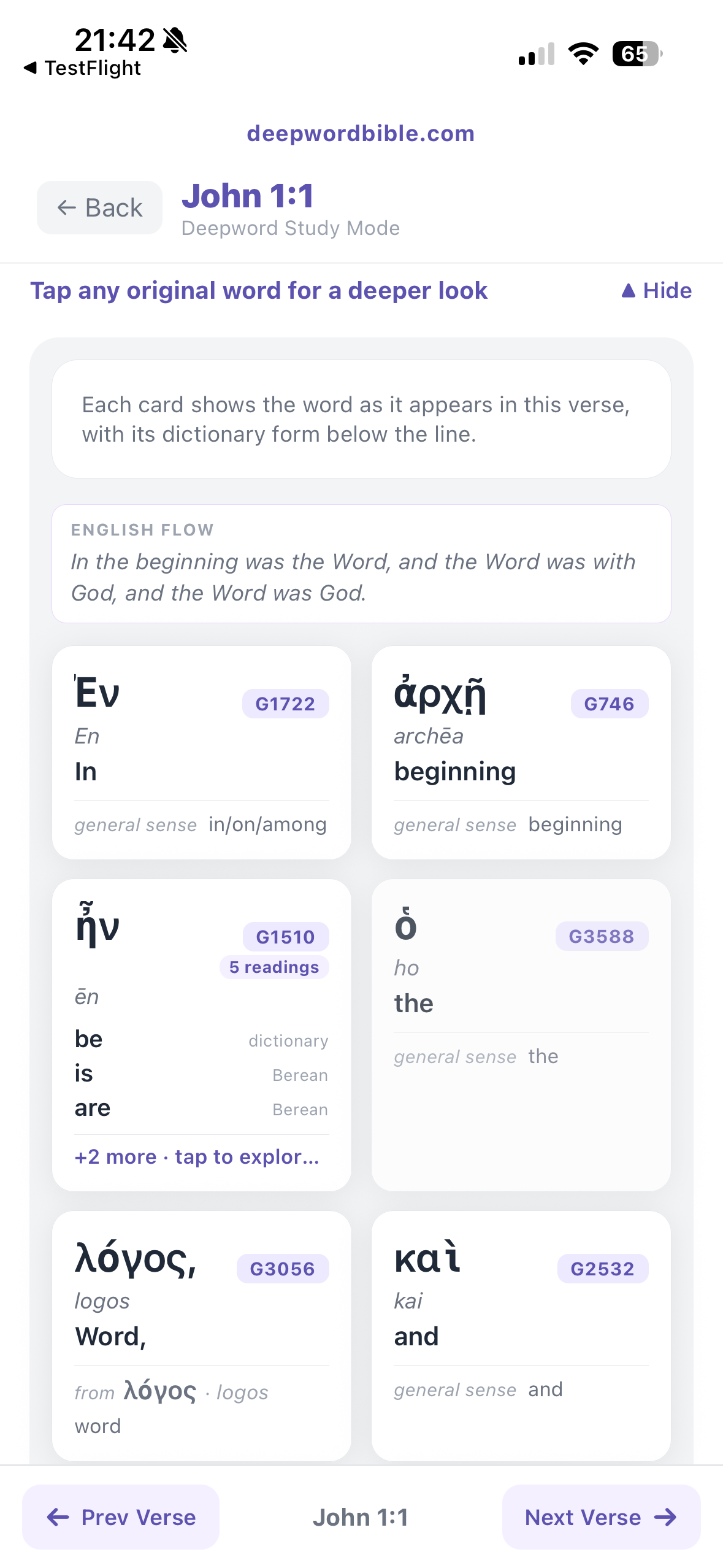
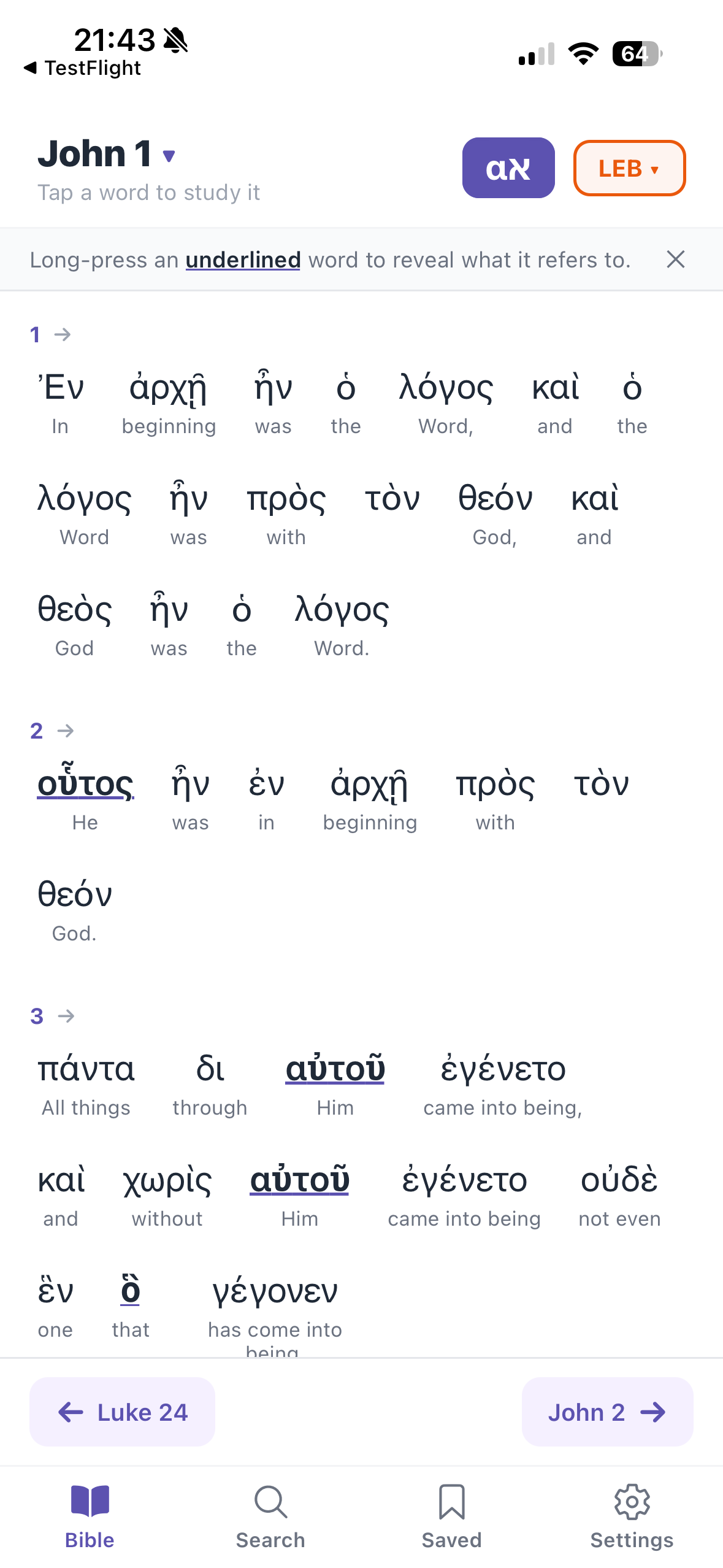
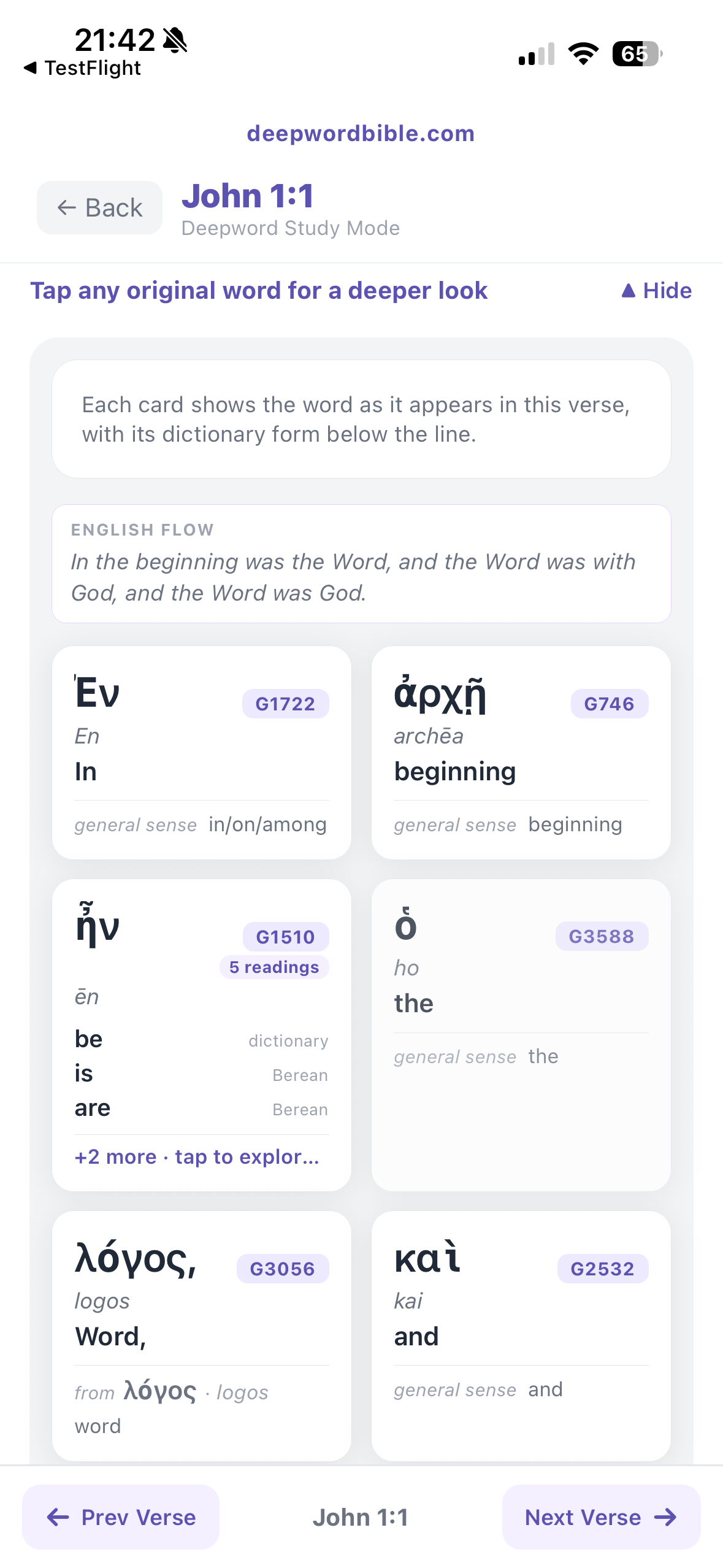
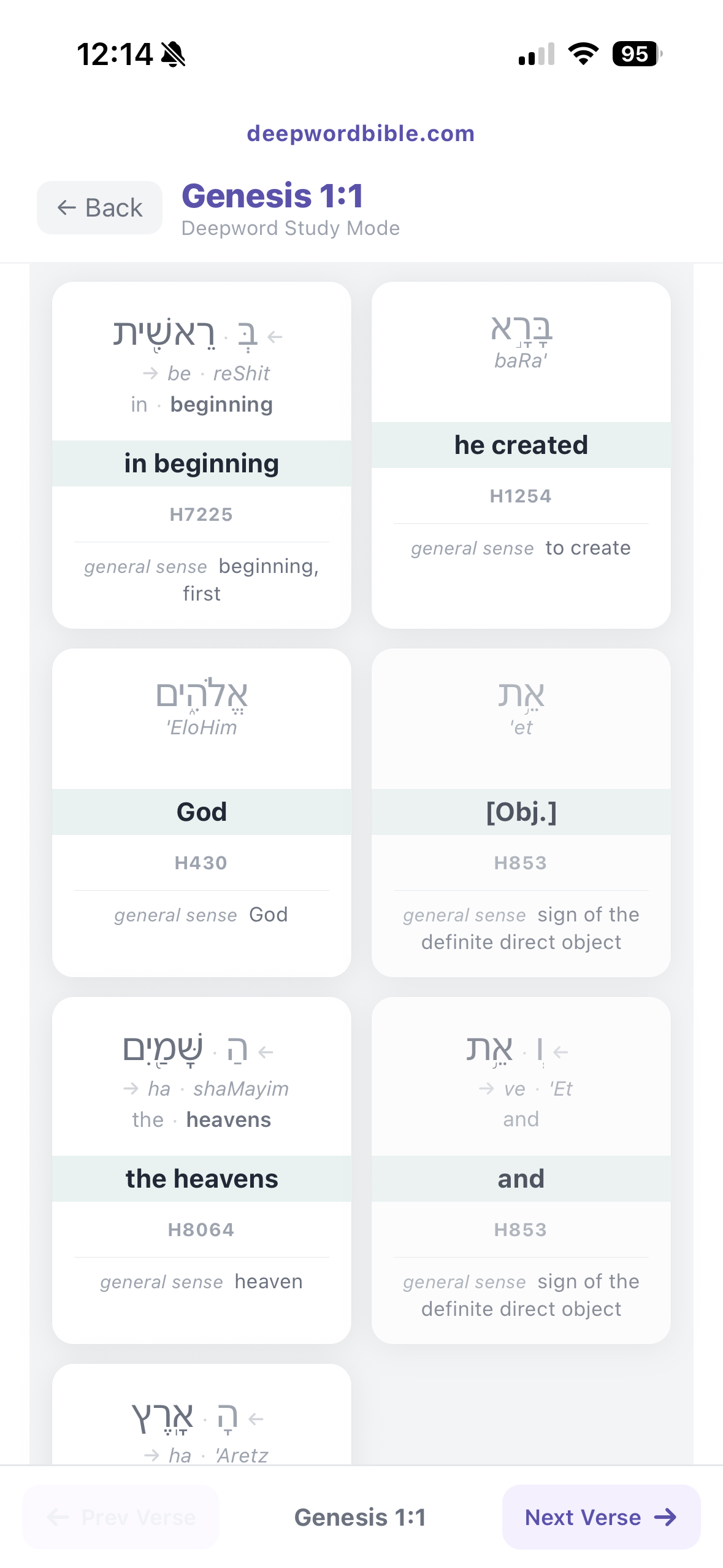
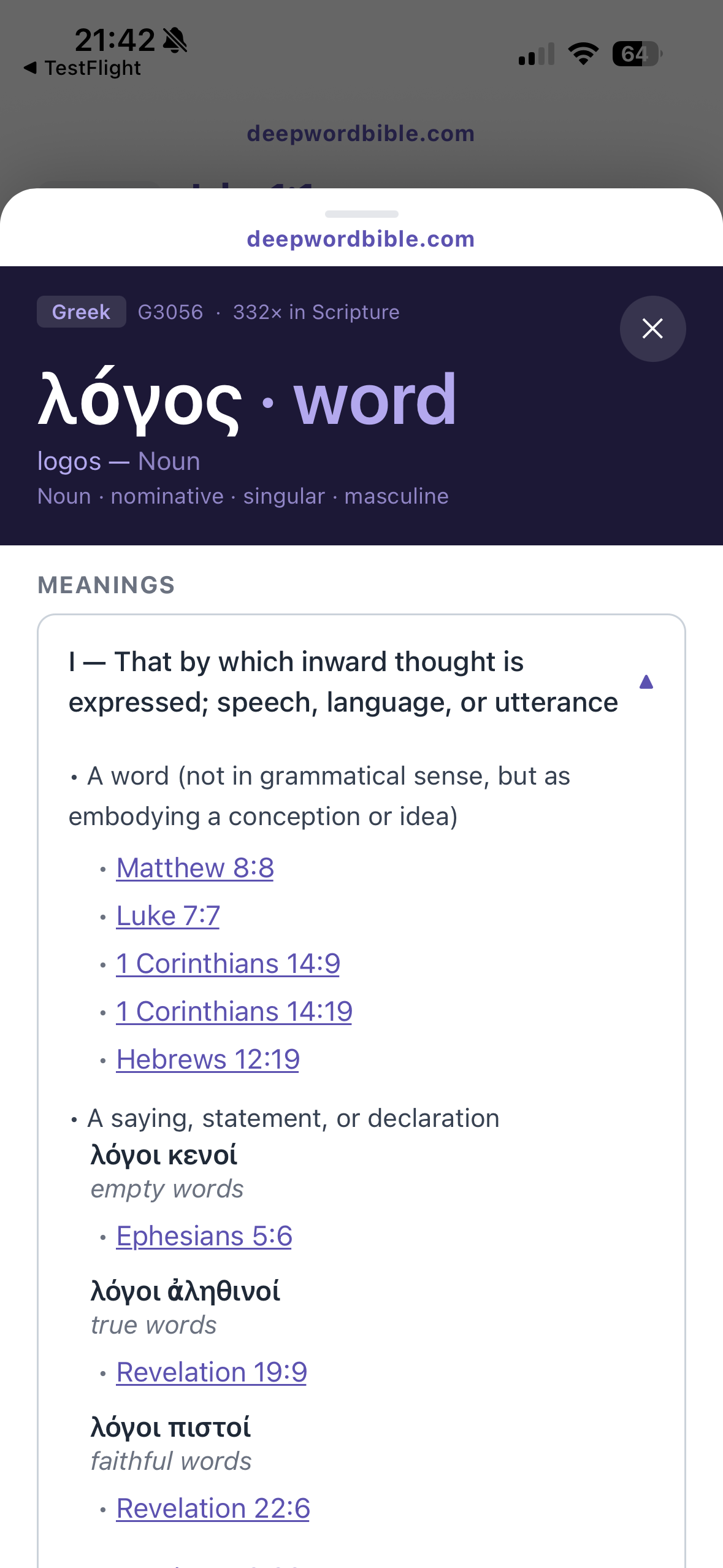
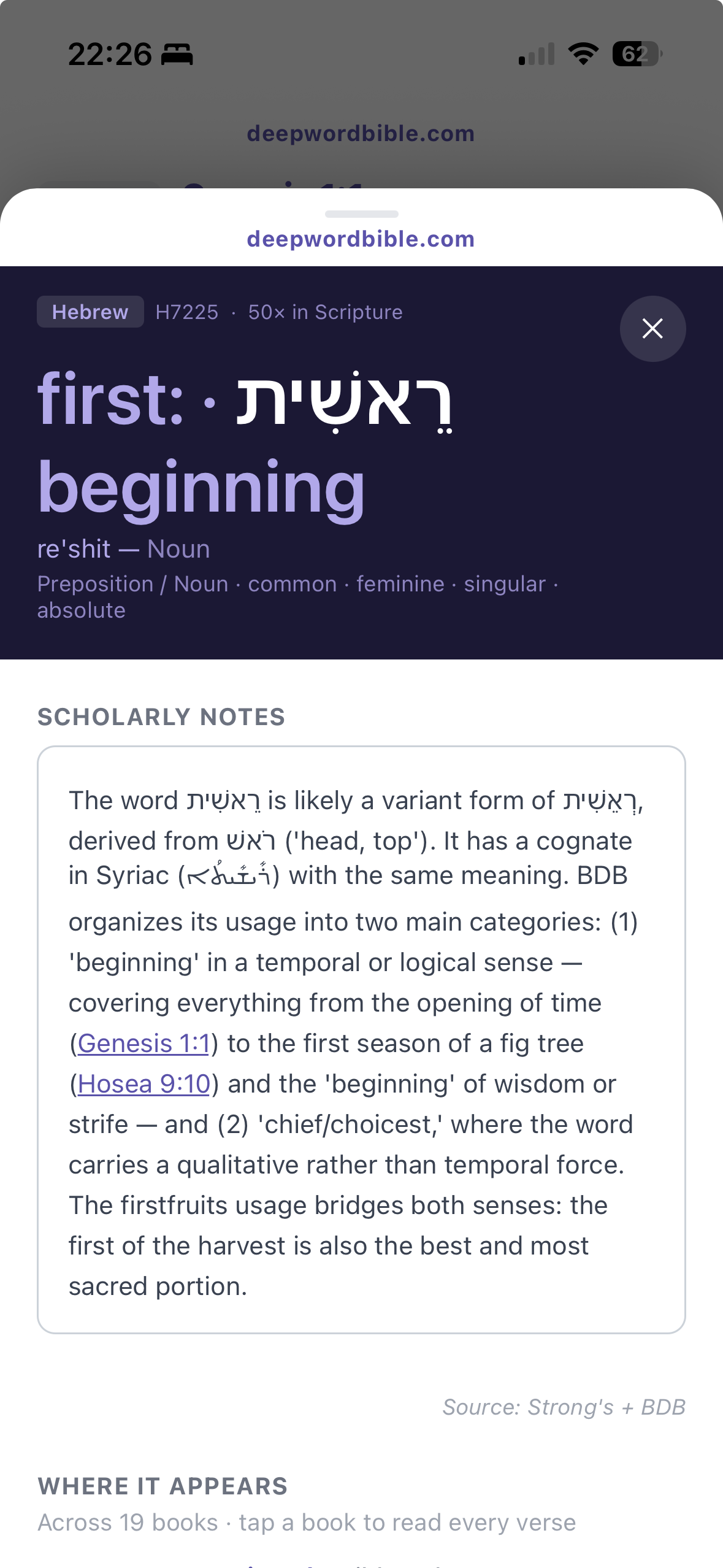
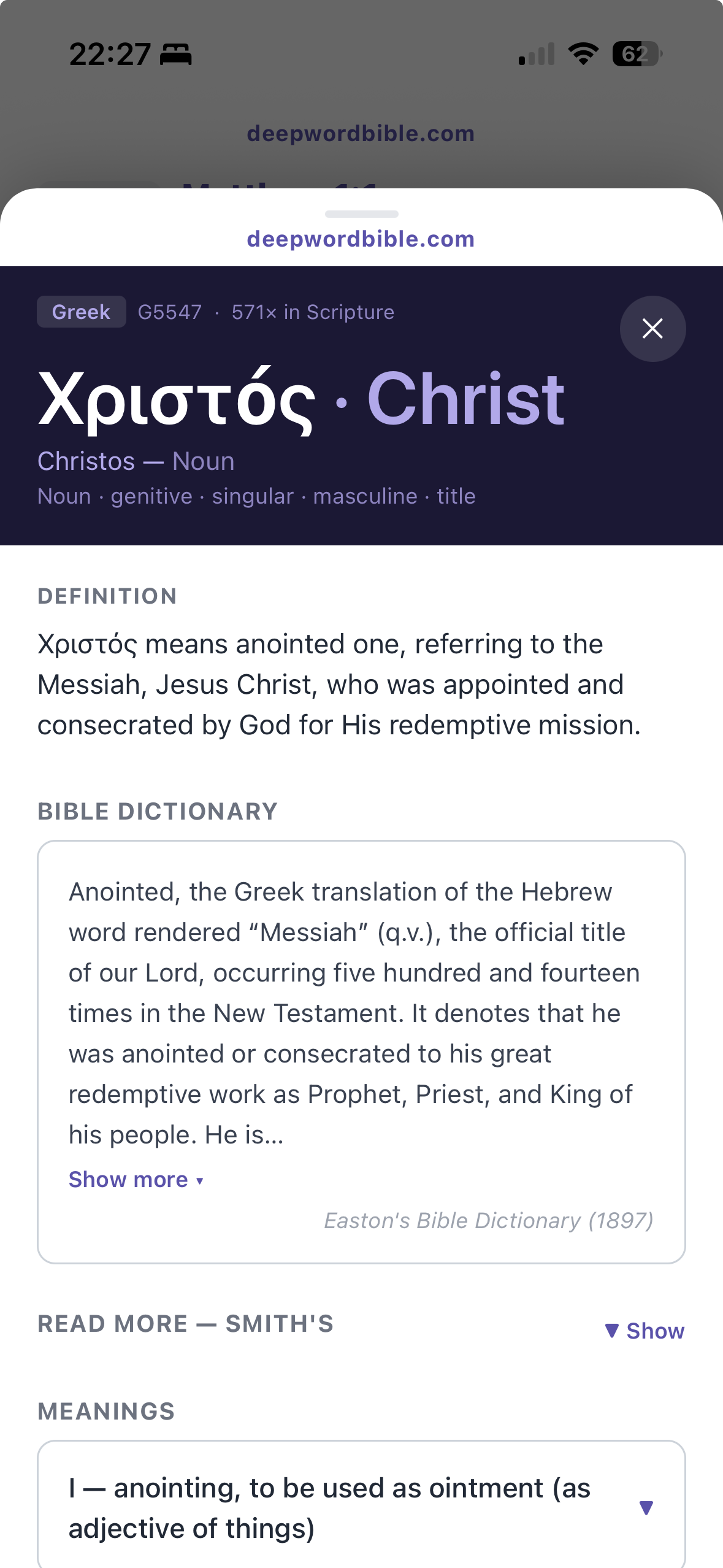
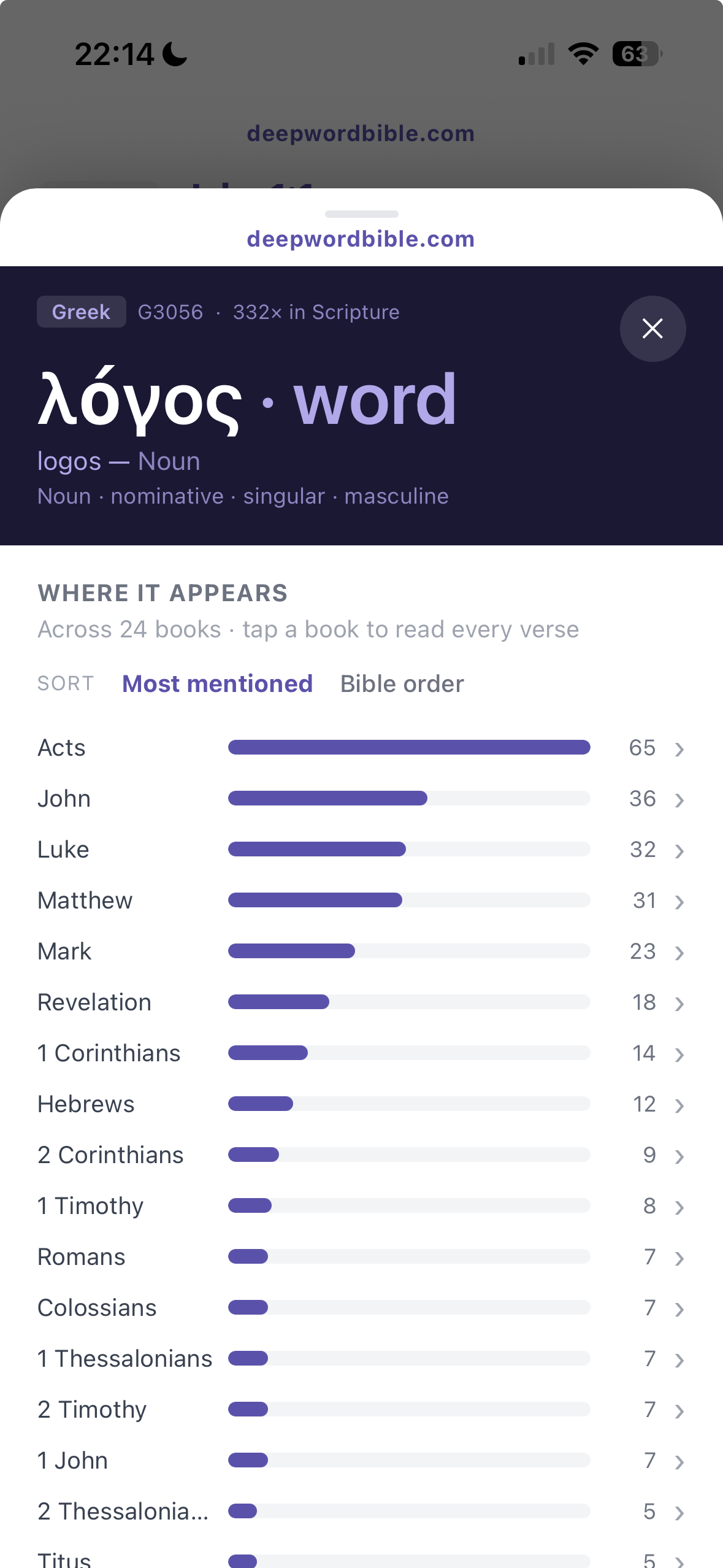
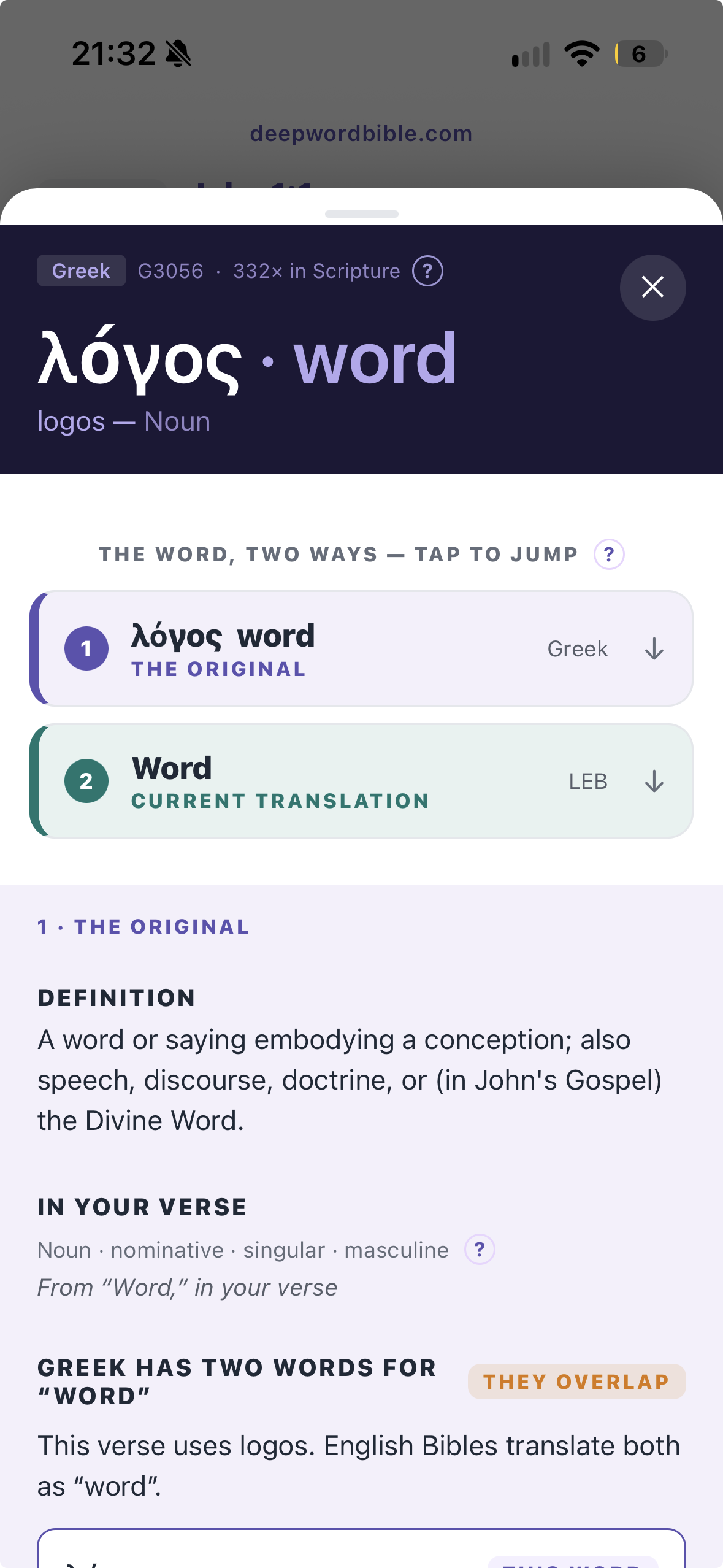
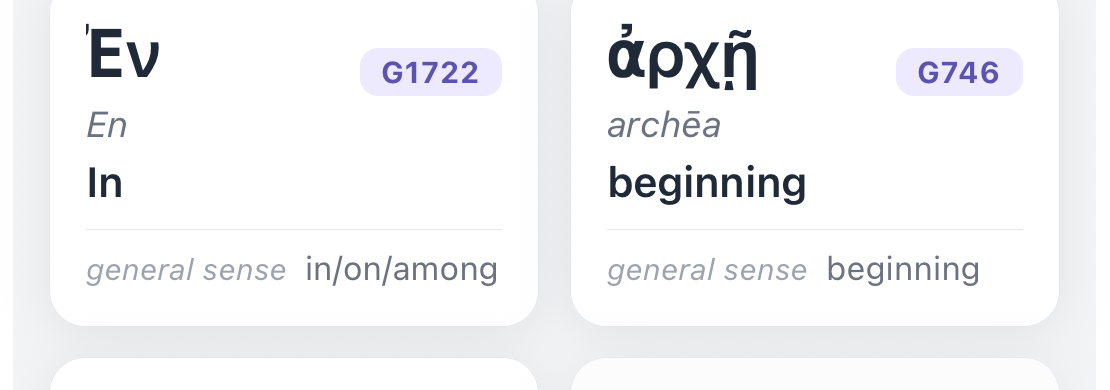
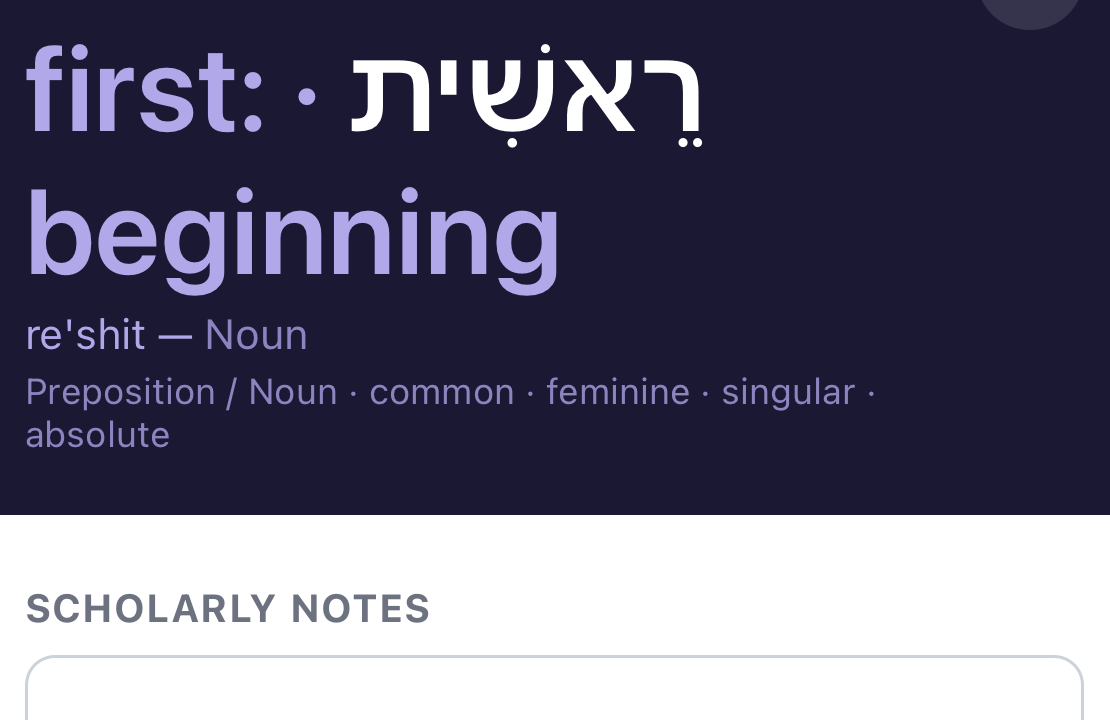
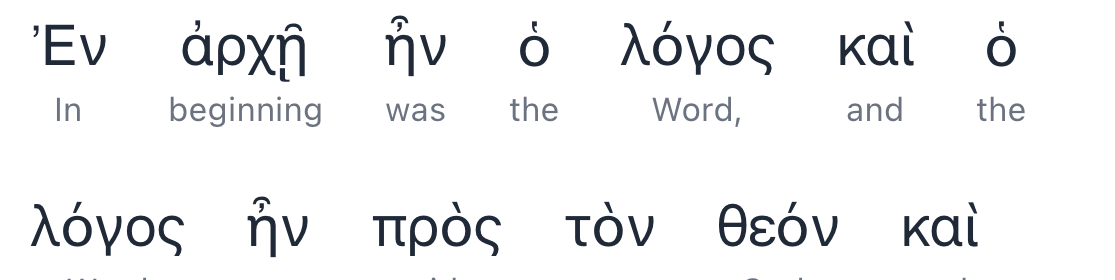
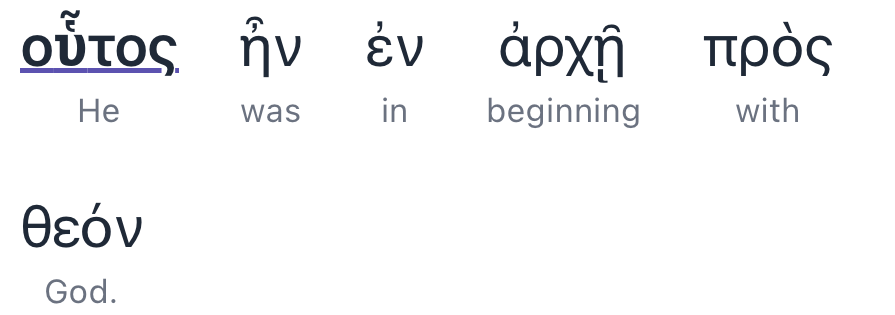
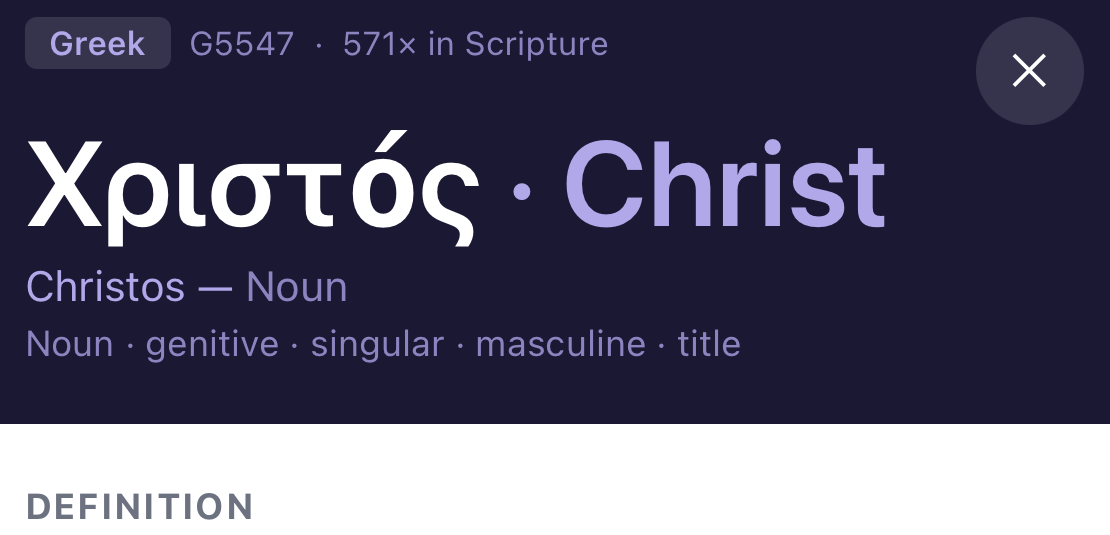
No. DeepWord is built for serious students who read English. Press and hold any word in your translation and the Hebrew or Greek behind it appears with its meaning, lexicon entry, and every other verse where the same root shows up. The original languages do the work — you stay in English.
Why only ten translations instead of dozens?
Because a thirty-first English rendering doesn't get you closer to Scripture — the original language does. The ten translations in DeepWord are solid and varied, and rather than padding the list, we put the Hebrew and Greek beneath every word, one tap away, made readable. Going to the source is the whole point of the app.
Which translations are included?
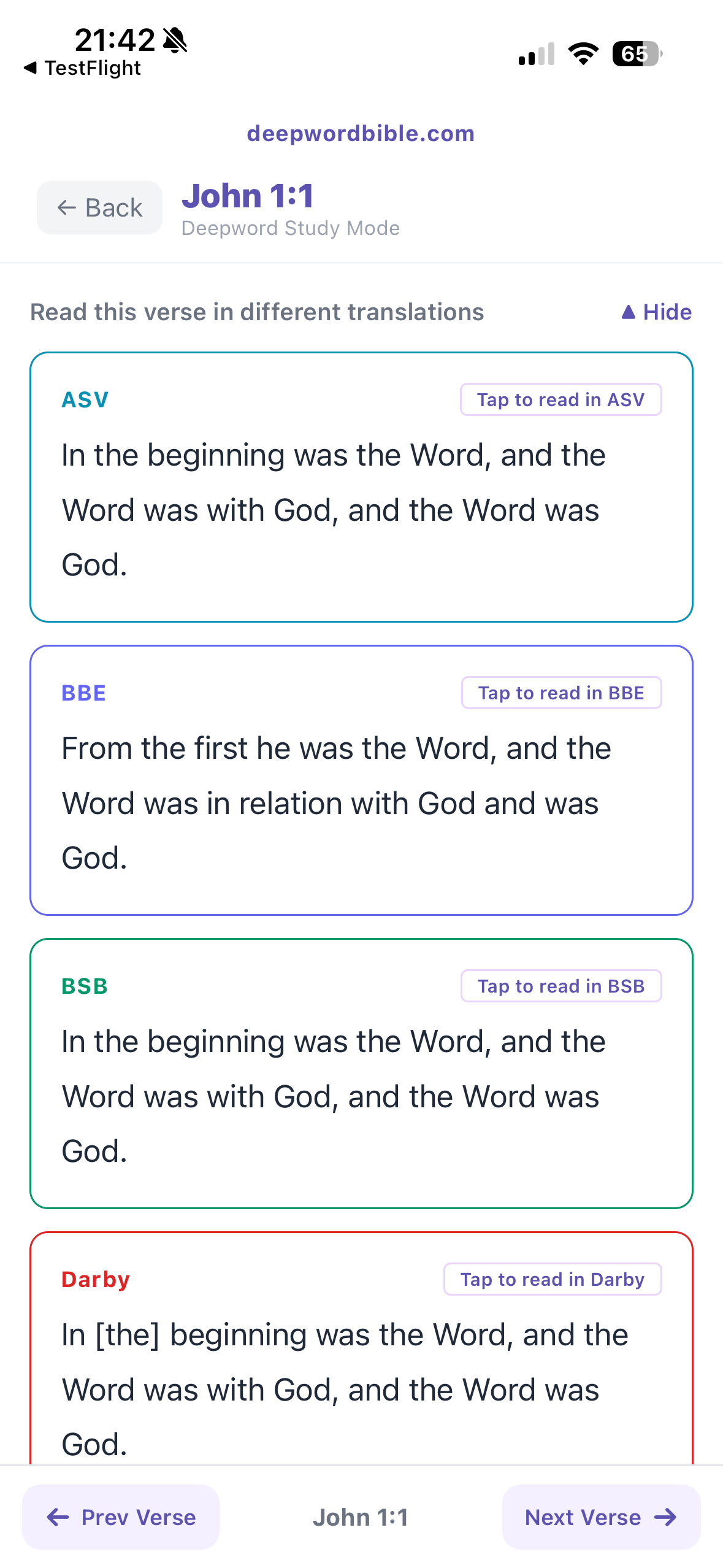
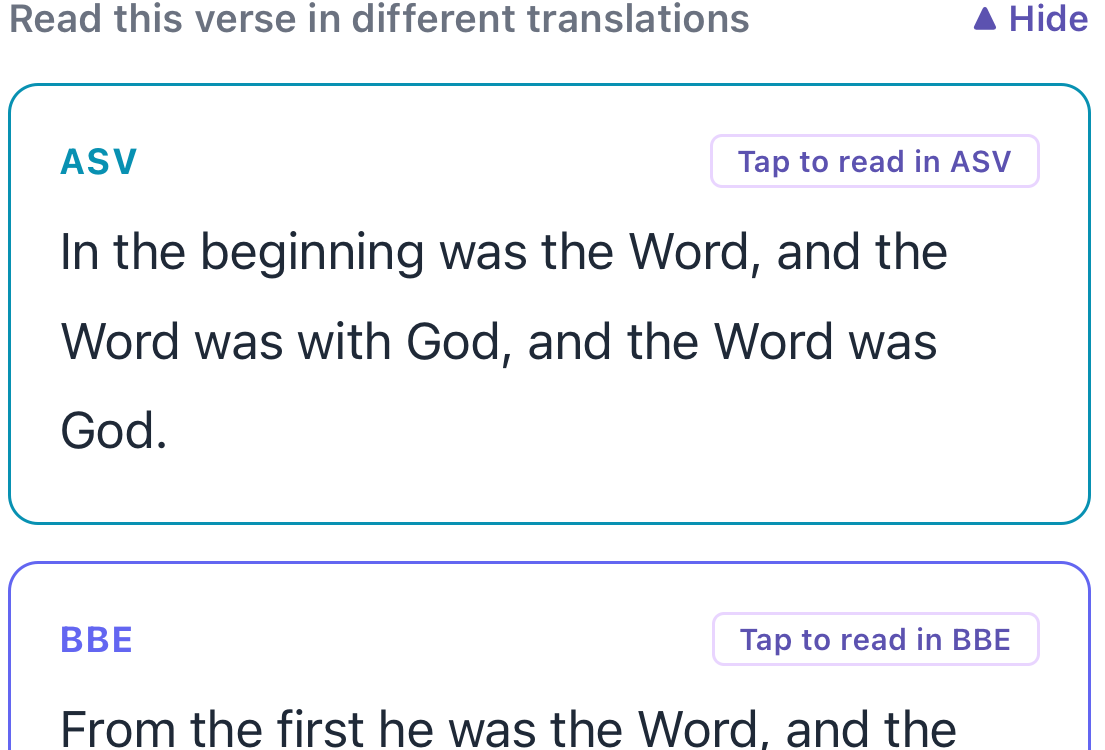
Ten: KJV, ASV, WEB (World English Bible), BSB (Berean Standard), NHEB (New Heart English Bible), YLT (Young's Literal), BBE (Bible in Basic English), Darby, RNKJV (Restored Name KJV), and LEB (Lexham English Bible). All public domain or freely licensed. No subscription or in-app purchase to unlock more.
Who writes the chapter and book summaries?
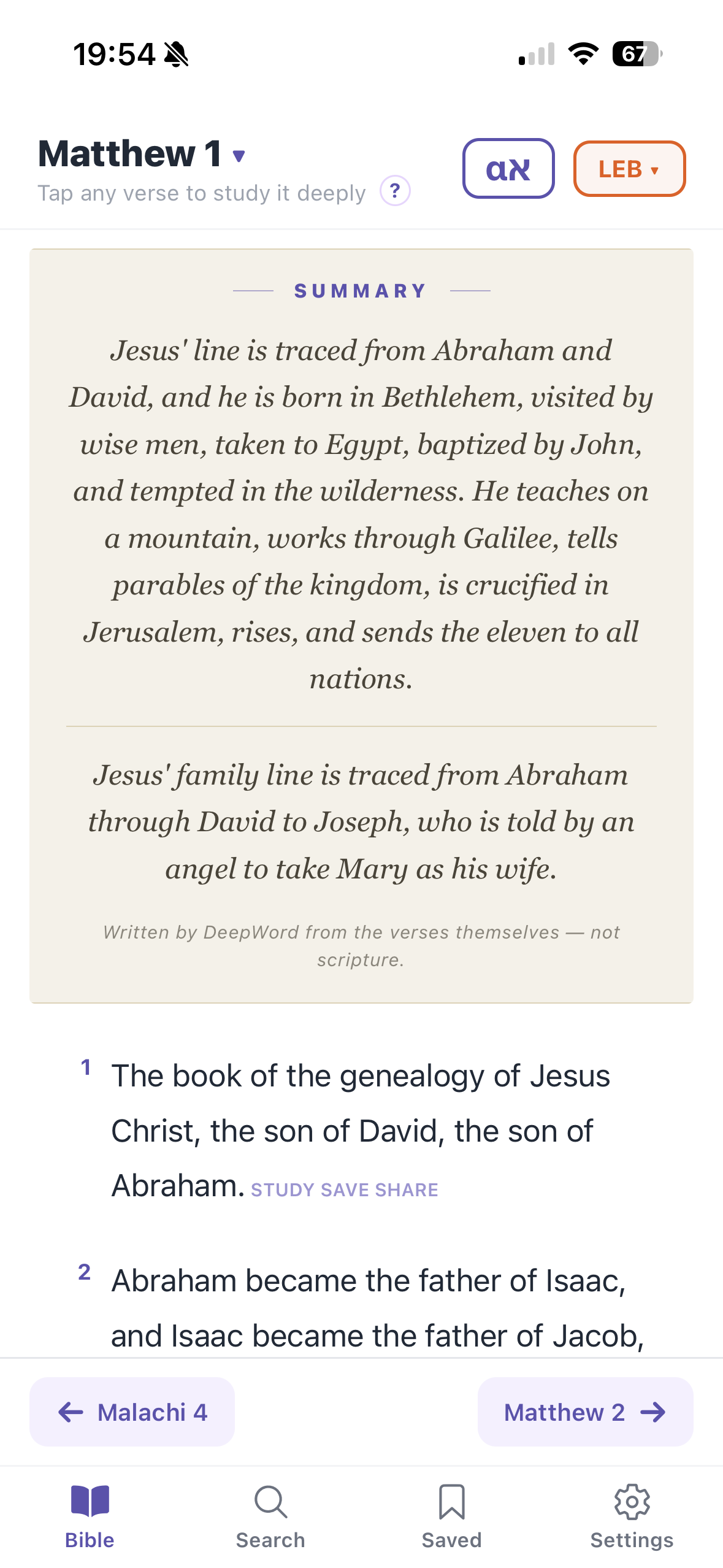
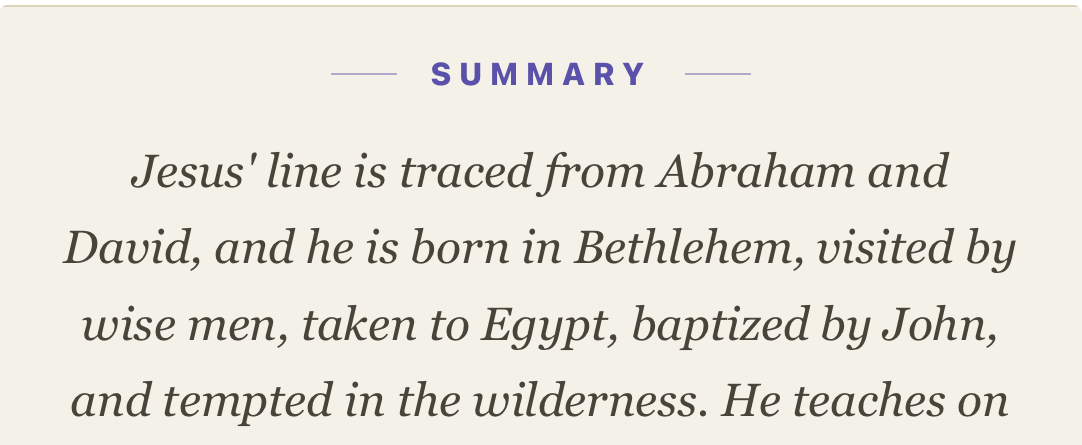
Chapter summaries are AI-generated overviews to help you get your bearings — they are not Scripture or authoritative commentary. Each one describes what happens in the passage rather than telling you what it means. The app labels them clearly: “Written by DeepWord from the verses themselves — not scripture.” Word meanings, grammar, and definitions come from the classic lexicons (Strong's, BDB, Thayer's, Abbott-Smith). If you want interpretation, that is a commentary’s job, and DeepWord deliberately isn’t one.
I never know where to start reading. Does DeepWord help with that?
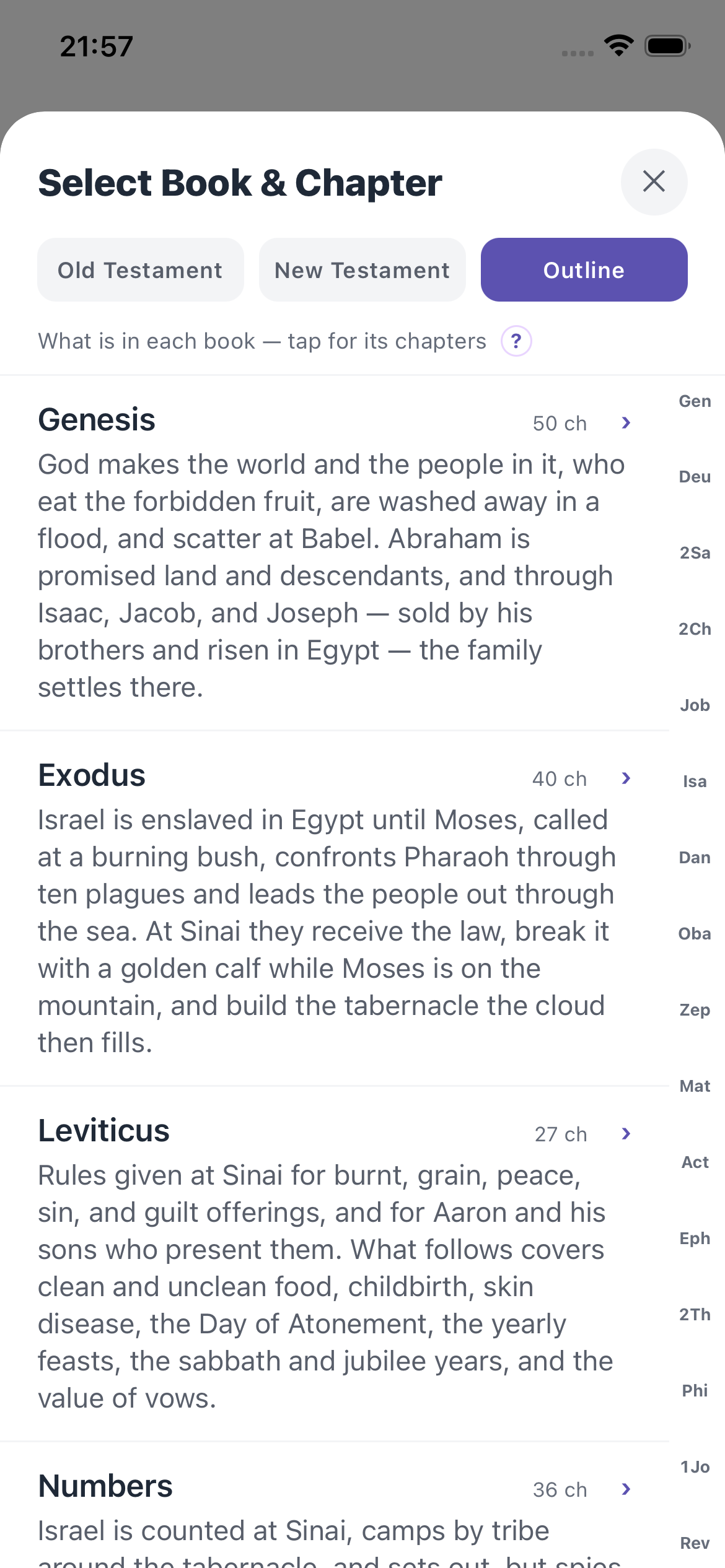
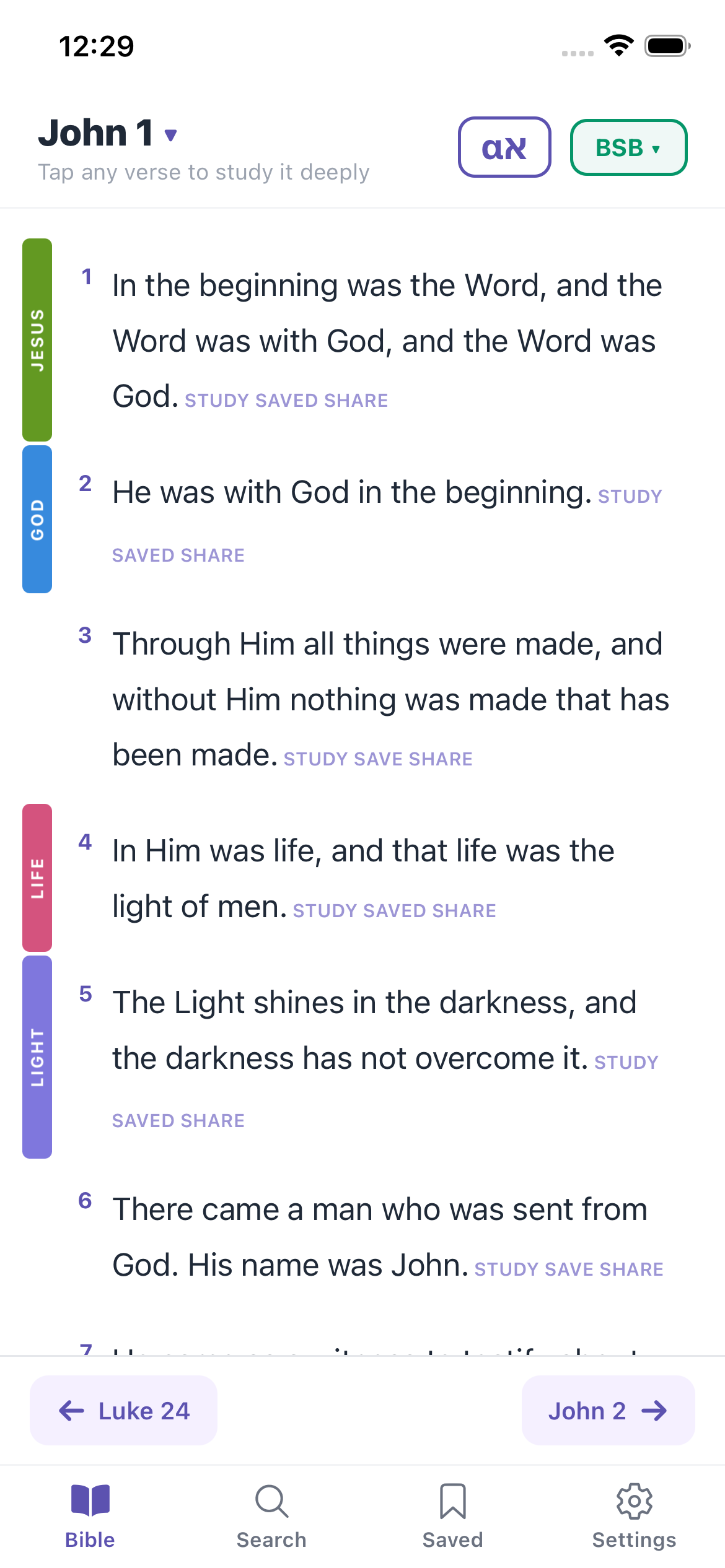
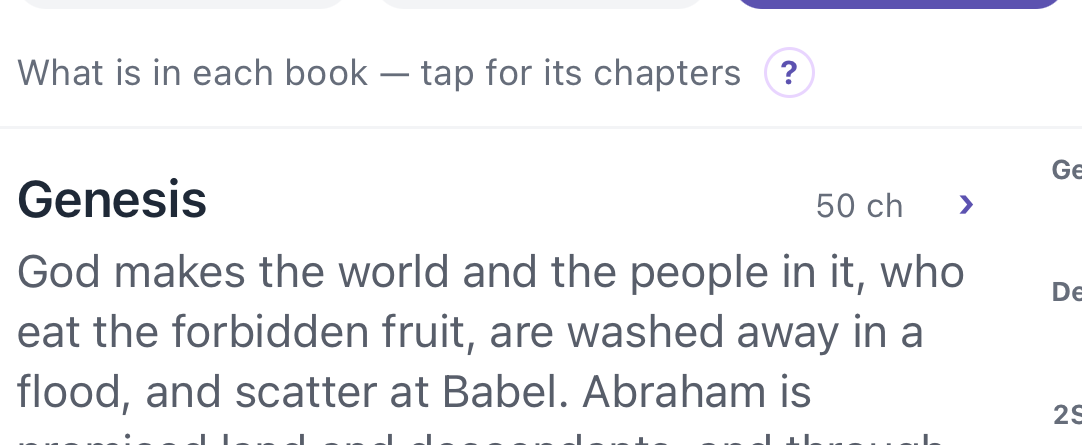
That is what the Outline is for. A third tab in the book picker lists all 66 books, each summed up in two sentences. Tap a book and every chapter opens the same way — 1,189 chapters, one sentence each. Tap a chapter and you are reading it. You can see what is in a book before you commit to it, and find the passage you half-remember without knowing the reference.
Is there an Android version?
Not yet. iOS only for now. Shipping one excellent experience beats shipping two compromised ones. Android may come later.
How is this different from the free Bible apps I already have?
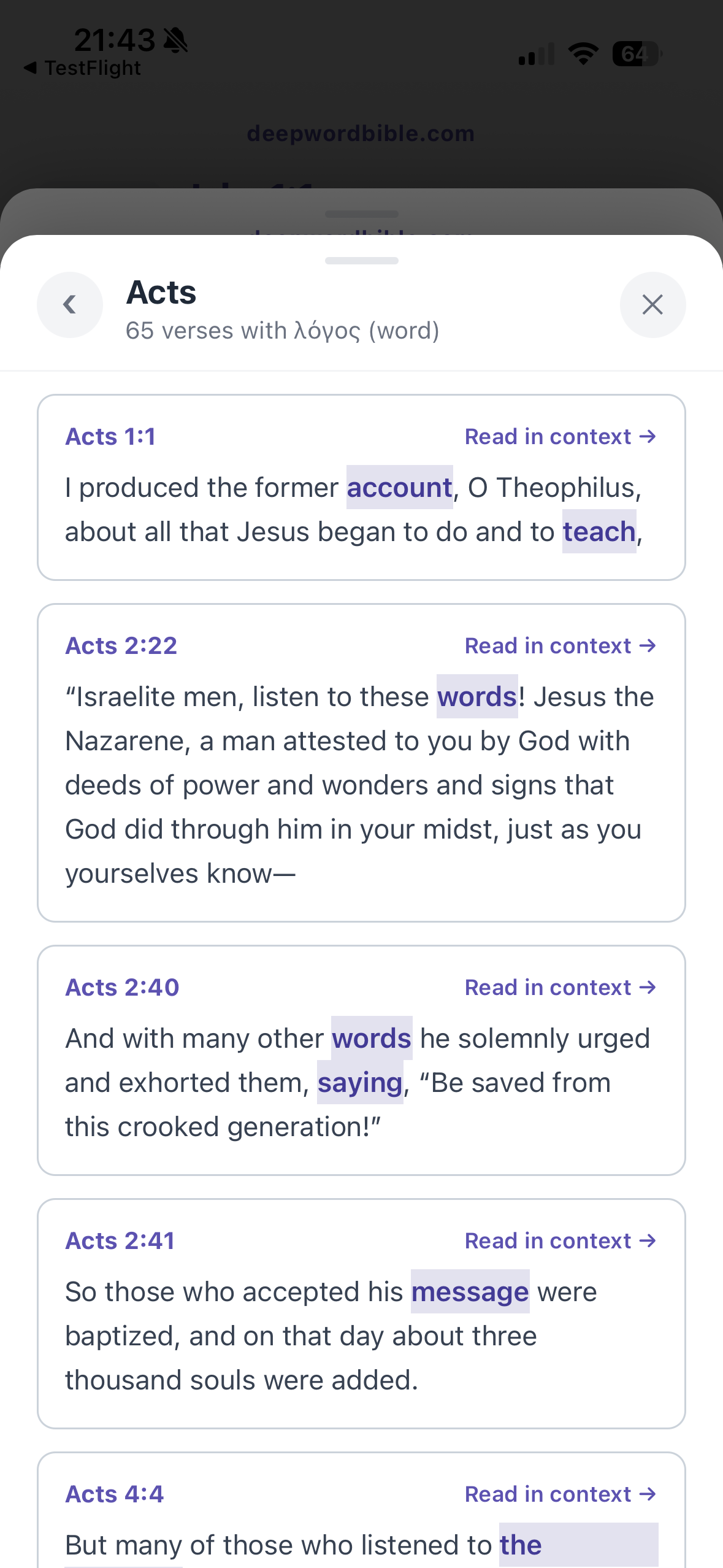
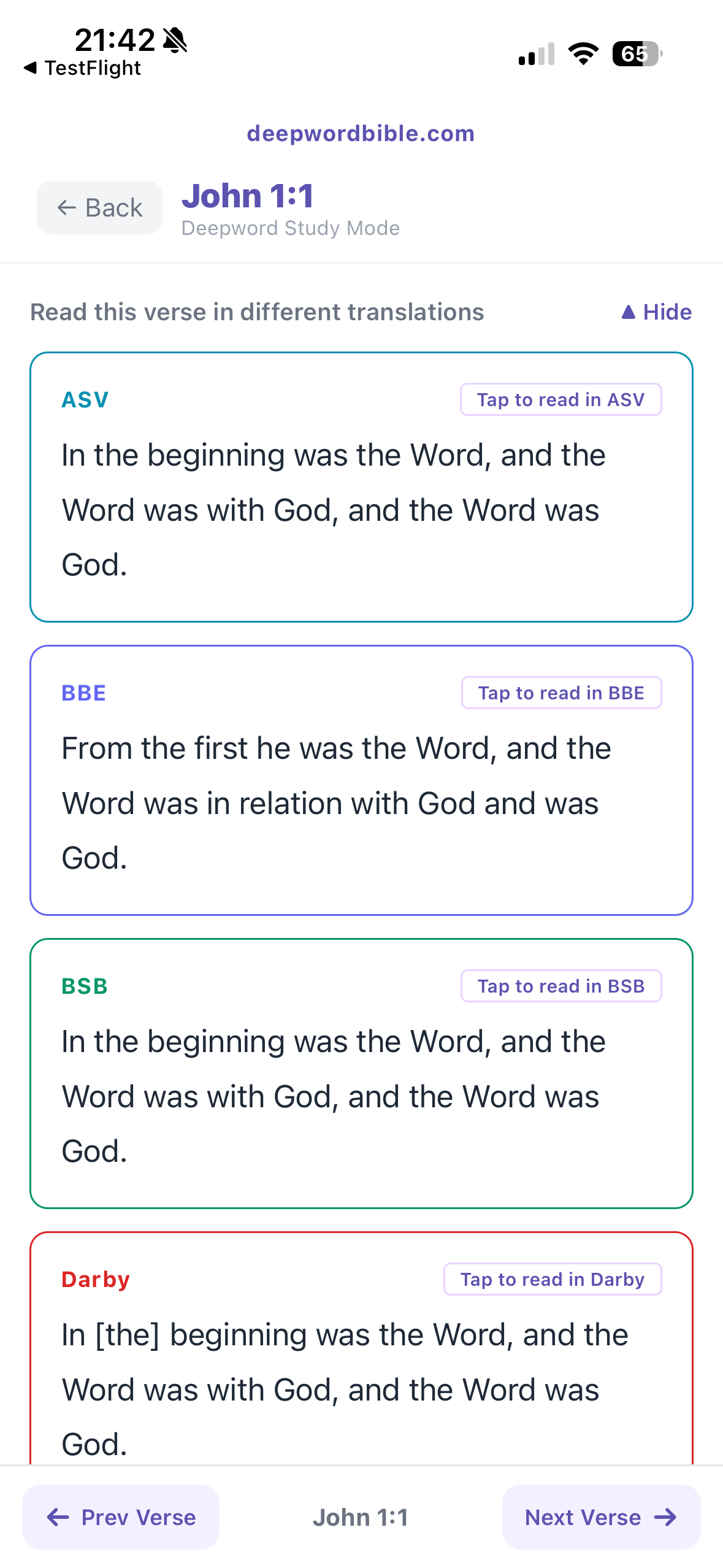
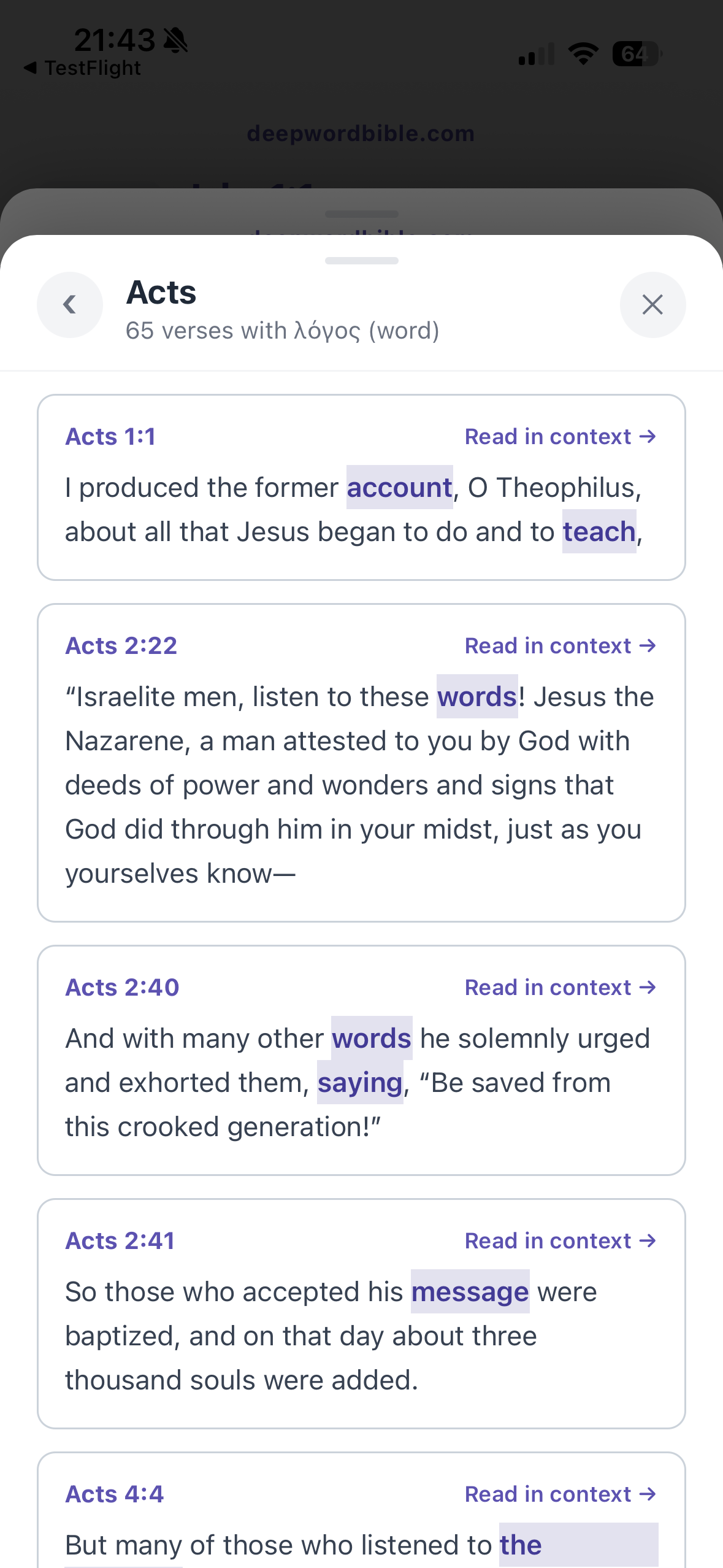
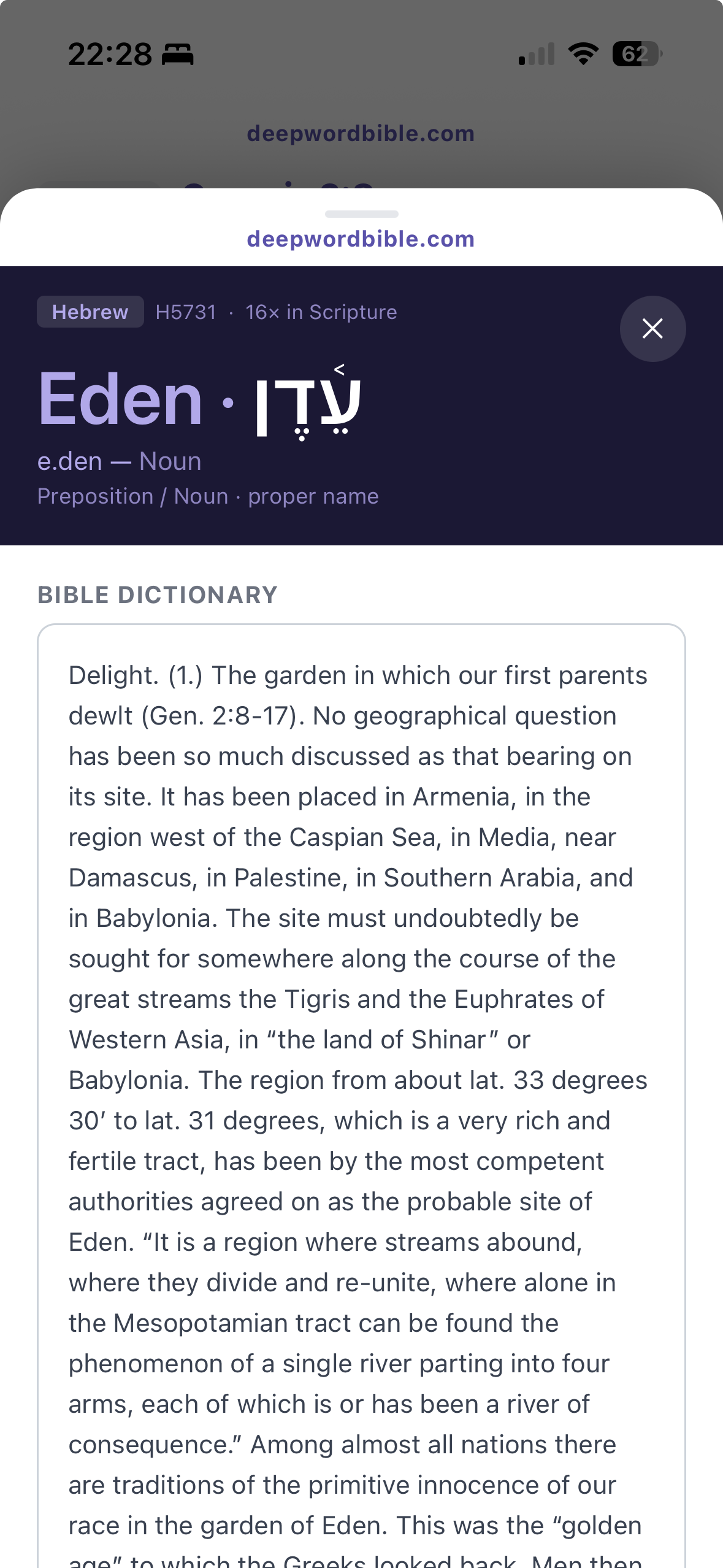
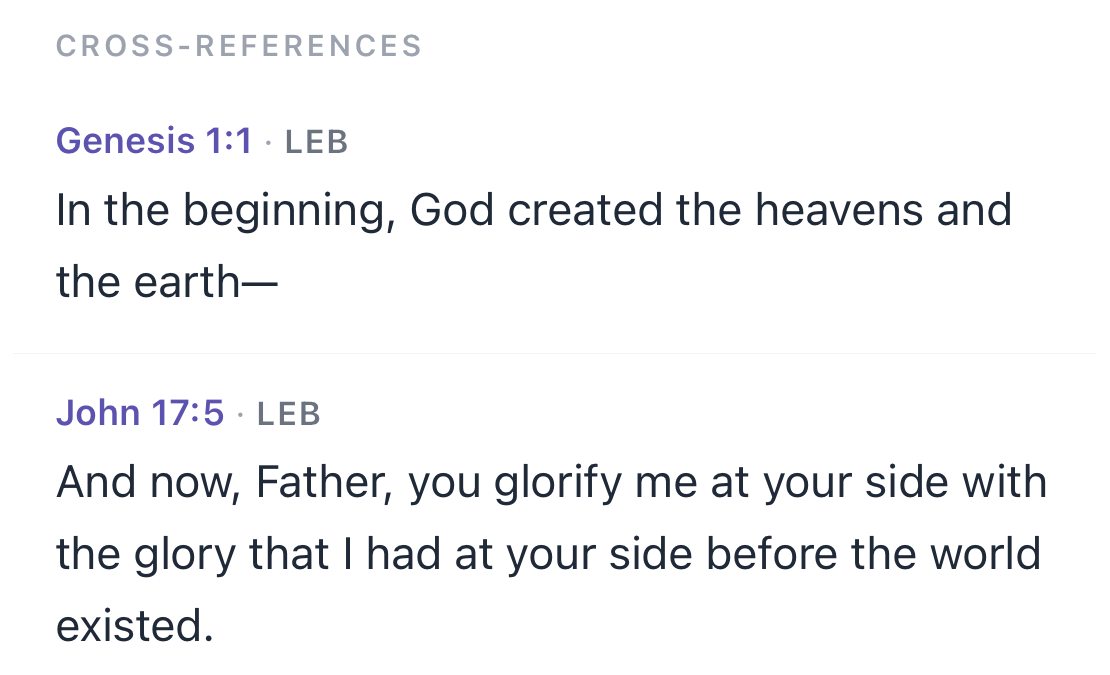
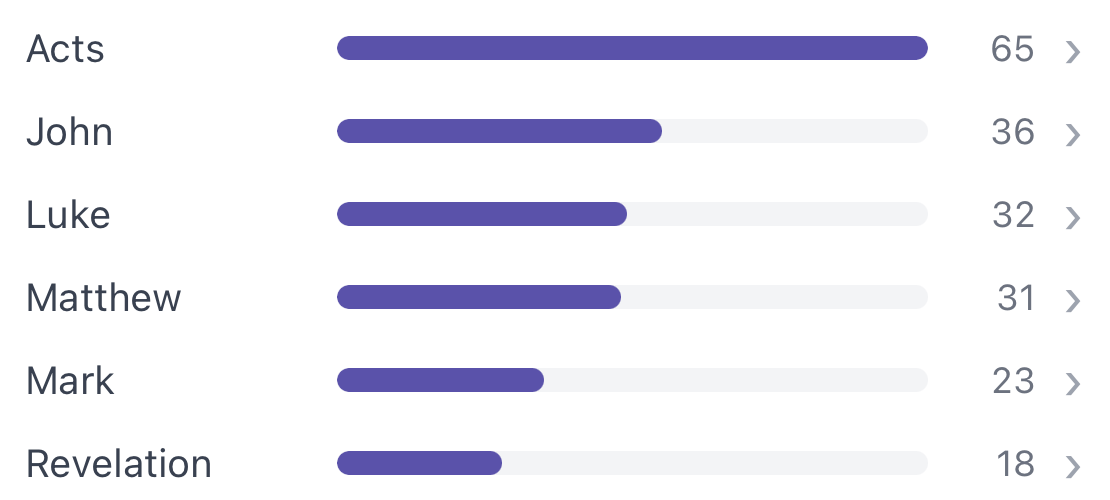
Free apps give you the text. DeepWord gives you the structure beneath it. press and hold any word and see the original Hebrew or Greek, the full lexicon entry — BDB for Hebrew, Abbott-Smith and Thayer's for Greek, restructured into clean labeled sections instead of dense walls of reference-work prose — every verse where the same root appears, and how different translators rendered it. Then synonym-mapped highlighting shows you every place that same word hides behind different English.
What is "synonym-mapped highlighting" exactly?
Translators don't always agree on which English word to use. KJV says "raiment"; BSB says "clothes." DeepWord knows these came from the same Greek word and treats them as one — so when you tap that Greek word, every place it appears across every translation lights up, regardless of how the translator phrased it.
Can I search by meaning, not just the exact word?
Yes. Search an English word and DeepWord also surfaces the verses behind the original words it stands for — search “eternity” and it finds the verses for aiōn, olam, and ad, not only the ones that happen to say “eternity.” Turn each original word on or off to widen or narrow the results. It’s the difference between searching a spelling and searching an idea.
Will I keep getting updates after I buy?
Yes. One-time purchase, lifetime updates. New features, expanded data, bug fixes, all included. No "Pro" tier, no future paywall.
Can I read it offline?
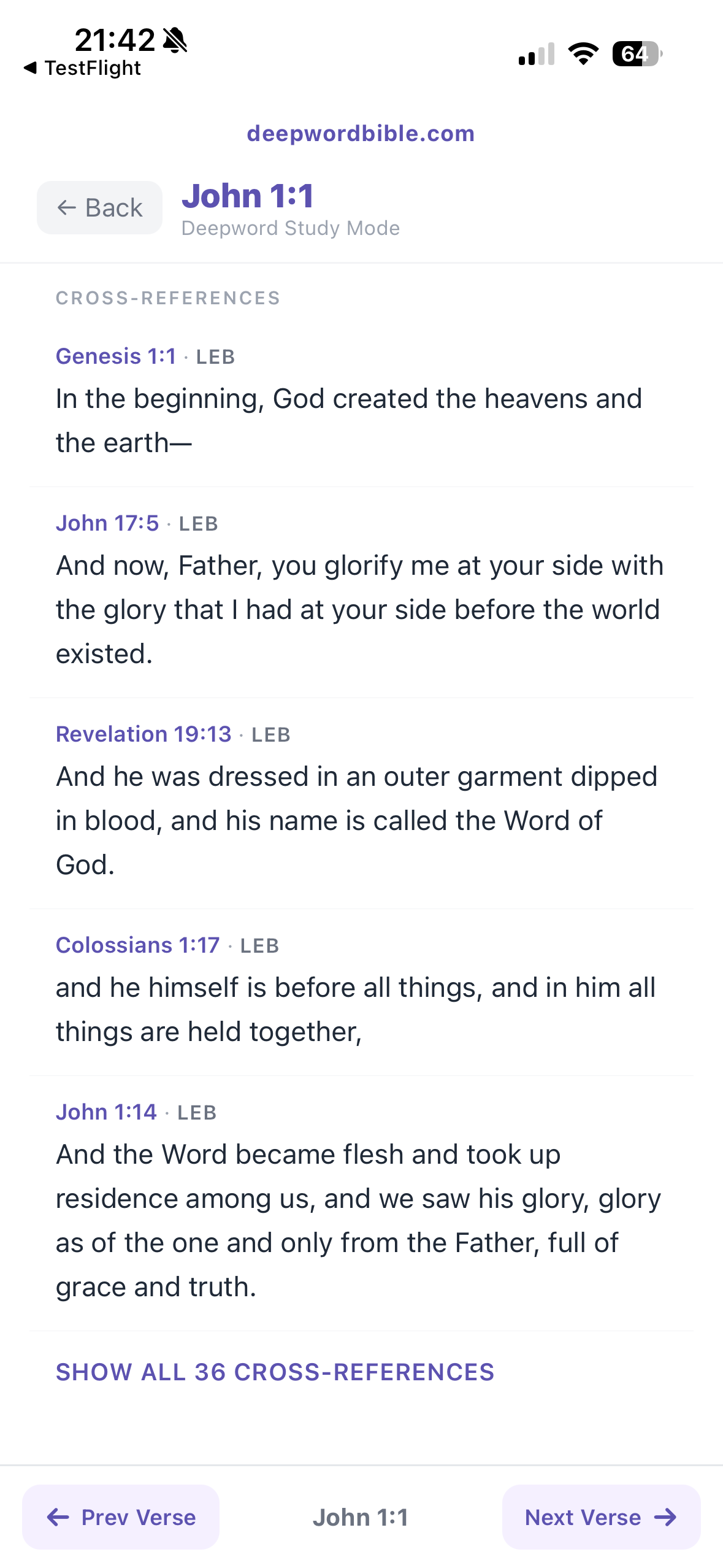
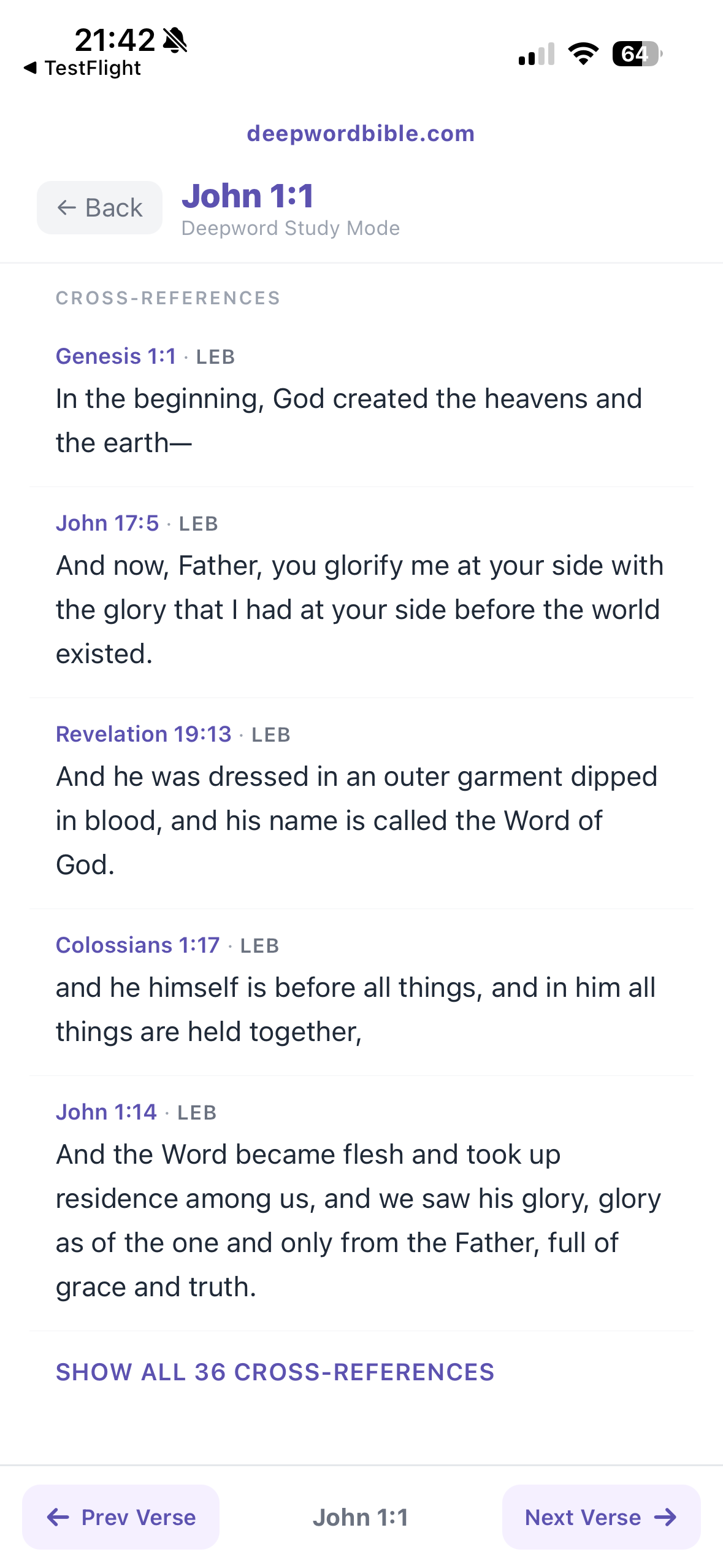
Yes. Everything ships inside the app — Hebrew, Greek, Strong's, BDB, Abbott-Smith, Thayer's, all ten translations, the Bible dictionary, and 344,799 cross-references. Once installed, it works fully offline.
Is DeepWord the same as DeepRoots Bible?
No — DeepRoots Bible (
deeprootsbible.com) is an online Bible curriculum for Christian schools. If you're a student or teacher looking for your school's DeepRoots login, you'll find it at
deeprootsbible.com/login. DeepWord is something different: an iOS Bible study app that puts the original Hebrew and Greek one tap beneath every verse. Similar names, different tools — though if you're curious about the words beneath your translation, we'd be glad to have you look around.
Is DeepWord "The Pure Word" Bible?
No — The Pure Word is a separate New Testament translation from One Path Publishing. DeepWord takes the other road: rather than giving you one more English rendering to trust, it leaves your Bible's text alone and shows you the original Greek or Hebrew word itself — its meaning, its lexicon entry, and every verse where it appears — so you can weigh the fuller meaning for yourself. "The words of the LORD are pure words" (Psalm 12:6), and they were written in Hebrew and Greek.
Can I use it to prepare for a small group or class?
Yes. Trace a word to its root and across Scripture in a few minutes, and walk in with something true you found yourself — not borrowed from a commentary. Every meaning traces back to a named source (Strong's, BDB, Abbott-Smith, Thayer's), so you can check your ground before you teach it.
Is this affiliated with any denomination or theological tradition?
No. DeepWord is a study tool, not a curriculum. The translations and lexicons included represent a range of traditions. Whatever you bring to the text, the original languages and cross-references are there to help you go deeper.